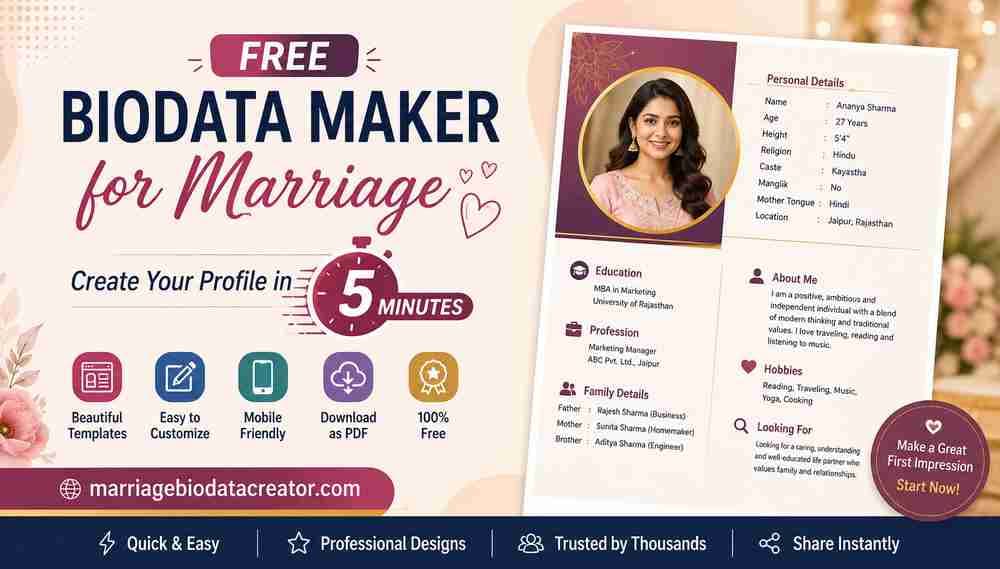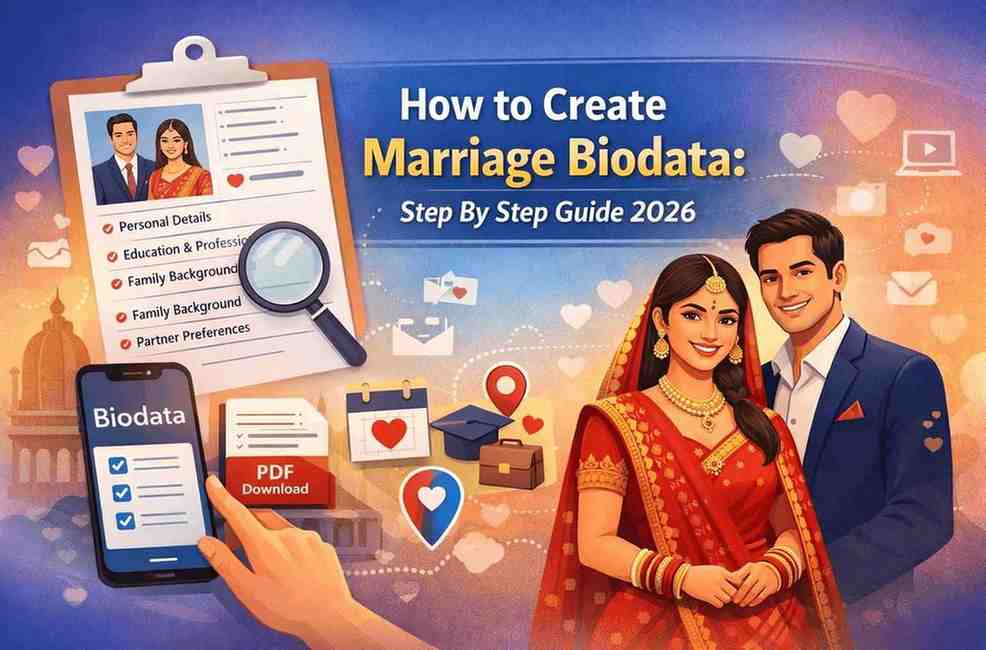
A marriage biodata is a formal personal profile used mainly in arranged marriages to introduce an individual to prospective matches and their families. In 2026, marriage biodata formats have evolved—becoming cleaner, more professional, and digital-friendly, while still respecting cultural traditions.
In this article, we have explained how to create a marriage biodata step by step in phone, what to include, common mistakes to avoid, and how to optimize it for modern matchmaking—both offline and online.
What Is a Marriage Biodata?
A marriage biodata is a structured document that summarises:
- Personal details
- Family background
- Education & profession
- Lifestyle & preferences
It is usually shared in PDF or Word format via WhatsApp, email, matrimony websites, or relatives.
Why Marriage Biodata Matters in 2026
In 2026, marriage biodatas are important because they give a clear first impression in arranged matchmaking.
They save time by quickly showing compatibility in values, education, and lifestyle.
Modern biodatas balance honesty, clarity, and cultural expectations for efficient matching online and offline.
- First impression for families
- Saves time by filtering compatibility
- Works across matrimonial sites + offline networks
- Professional biodata increases response rate
Step-by-Step Guide to Create Marriage Biodata (2026)
You can create Free marriage biodata using www.marriagebiodatacreator.com. Below are the steps to create a Marriage Biodata for free.
Step 1: Choose the Right Marriage Biodata Format
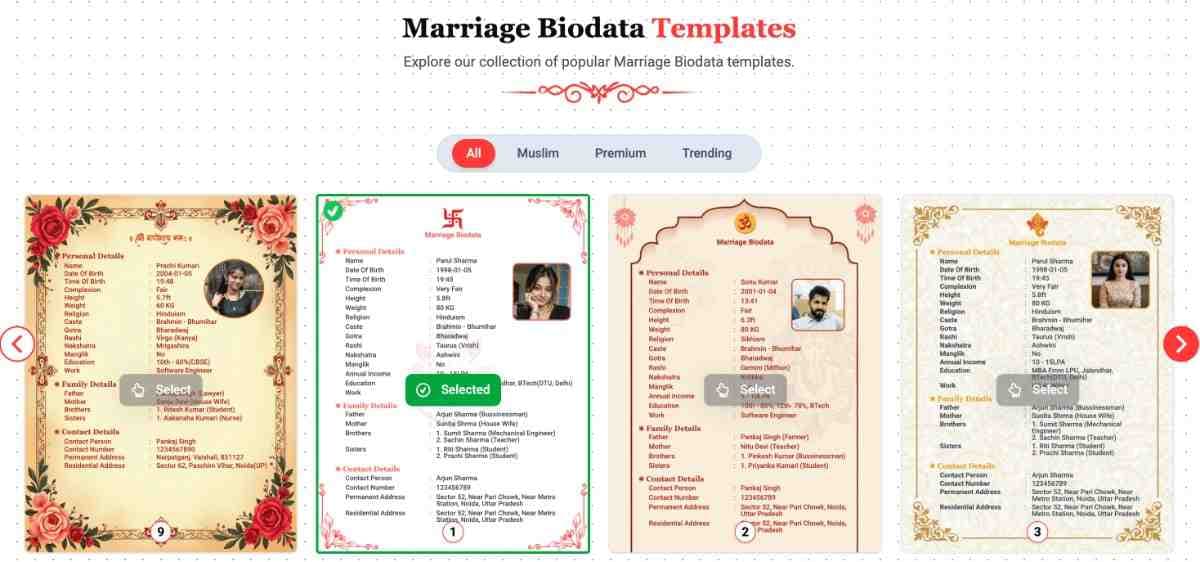
Select a format based on your background and preference:
Popular formats in 2026
- Simple traditional biodata
- Modern professional biodata
- One-page minimal biodata
- Religious/community-specific biodata
Tip: Keep it 1–2 pages max.
Step 2: Add Photograph
- Recent, high-quality photo
- Formal or traditional attire
- Neutral background
- Natural lighting
Avoid selfies or group photos.
Step 3: Add Basic Personal Details
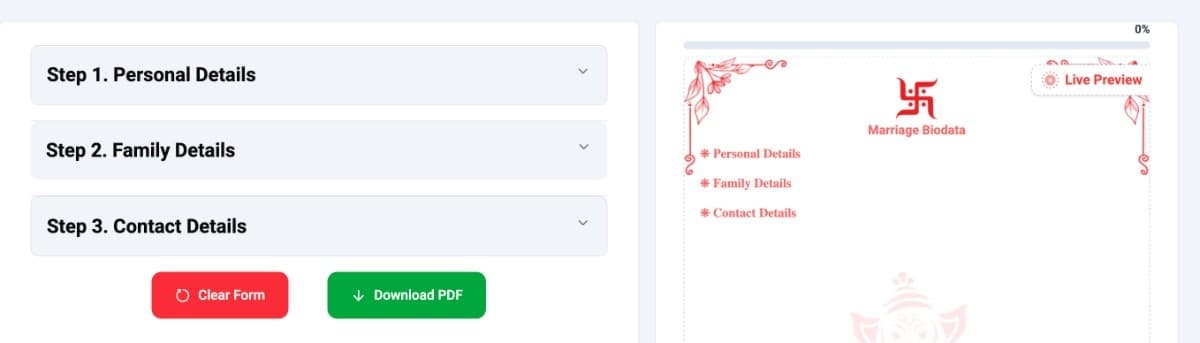
Start with clear, factual information.
Include:
- Full Name
- Date of Birth / Age
- Height & Weight
- Gender
- Marital Status
- Religion & Caste (if applicable)
- Mother Tongue
- Place of Birth
- Current City & Country
Use bullet points for readability.
Step 3: Education & Professional Details
This section is crucial for shortlisting.
Education
- Highest qualification
- University / Institute
- Year of completion
Profession
- Job title
- Company / Organization
- Work location
- Annual income (optional but common)
Avoid exaggeration—clarity builds trust.
Step 4: Family Background Section
Families carefully review this part.
Include:
- Father’s name & occupation
- Mother’s name & occupation
- Siblings (number, married/unmarried)
- Family type (joint/nuclear)
- Family location
Keep tone respectful and neutral.
Step 5: Lifestyle & Personal Information
This humanizes your biodata.
Optional but recommended
- Diet (Veg / Non-veg / Eggetarian)
- Smoking / Drinking habits
- Hobbies & interests
- Languages known
Avoid very casual or slang language.
Step 6: Partner Preferences
Be honest but realistic.
Mention preferences like:
- Age range
- Height range
- Education
- Profession
- Location preference
- Lifestyle expectations
Keep it polite and flexible.
Step 7: Contact Details
Add only one trusted contact.
Options
- Parent/Guardian phone number
- Email ID
- City (avoid full address)
Privacy matters—avoid sharing Aadhaar, PAN, or exact address.
Marriage Biodata Design Tips (2026)
- Use clean fonts (Calibri, Times New Roman, Arial)
- Black or dark blue text
- Adequate spacing
- No emojis or decorative symbols
- Download biodata PDF for sharing
Common Mistakes to Avoid
❌ Too long (3+ pages)
❌ Spelling & grammar errors
❌ Fake income or height
❌ Casual tone
❌ Overloaded colors/design
Marriage Biodata Checklist
✔ Clear format
✔ Updated details
✔ One professional photo
✔ Honest information
✔ PDF/Word ready
FAQs
Q.1Can I make marriage biodata on mobile?
Yes, you can easily create a marriage biodata on mobile using Google Docs, the Microsoft Word app, or online marriage biodata maker websites. These tools allow you to design, edit, and download a professional biodata directly on your phone.
Q.2Is mobile-created biodata acceptable?
Yes, a mobile-created marriage biodata is completely acceptable as long as it is clean, well-formatted, and saved as a PDF. Families and matrimony platforms focus on clarity and content, not the device used.
Q.3What is the best marriage biodata format in 2026?
The best marriage biodata format in 2026 is a one-page modern layout with clear headings, structured sections, and simple design. A professional format improves readability and increases response rates.
Q.4Can I create marriage biodata online?
Yes, you can create marriage biodata online for free using various tools that offer ready-made templates in Word or PDF formats. Online creation makes it easy to edit, update, and share instantly.
Q.5Is photo mandatory in marriage biodata?
A photo is not mandatory, but adding a recent, clear photograph is highly recommended. Marriage biodatas with photos generally receive better and faster responses.
Q.6How long should a marriage biodata be?
Ideally, a marriage biodata should be 1 to 2 pages long. Keeping it concise ensures that key details are easy to review while maintaining a professional impression.Final Thoughts